Write alt text for search context
Describe the image naturally, include the subject when relevant, and avoid keyword stuffing.
Upload an image and create alt text for SEO, accessibility, products, blogs, link images, charts and decorative images. Copy clean HTML or Markdown.
JPG, PNG, WEBP, BMP, HEIC, HEIF · 10MB free / 20MB logged in
Generated alt text
Poster image
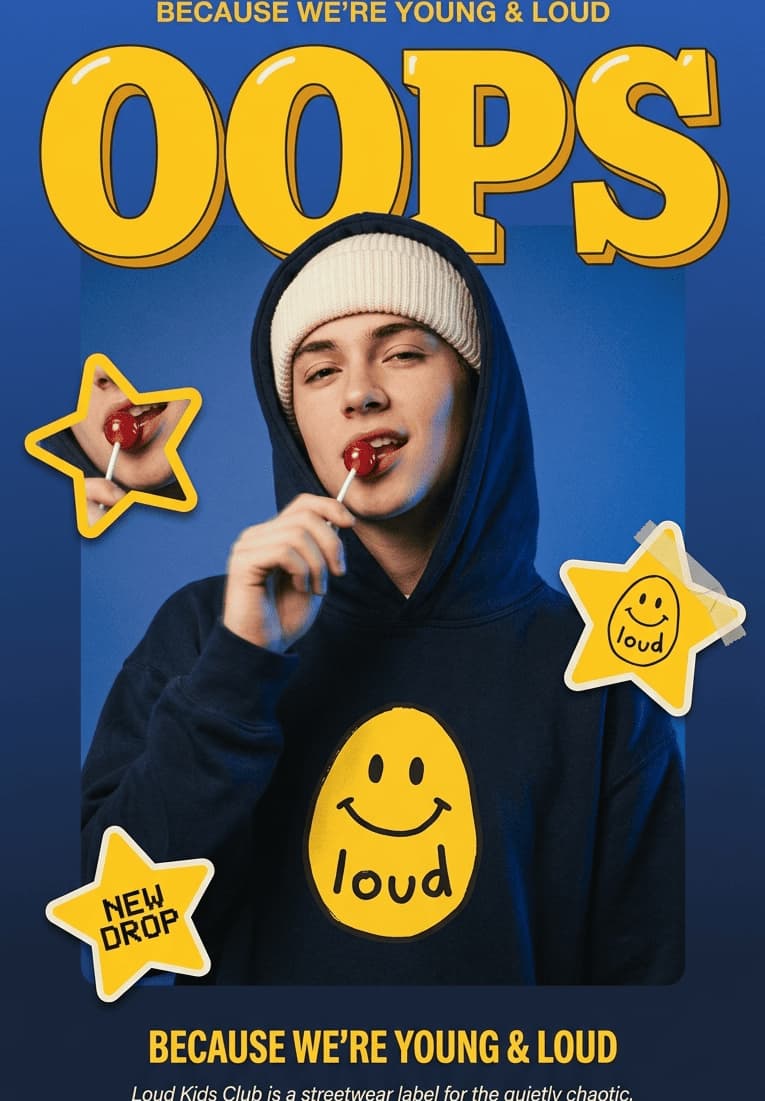
Loud Kids Club street style poster with a model in a blue smiley hoodie holding a lollipop, OOPS title and yellow stars.
HTML
<img alt="Loud Kids Club street style poster with a model in a blue smiley hoodie holding a lollipop, OOPS title and yellow stars." />Markdown
Create alt text from images
SEO + WCAG guidance
HTML, Markdown and empty alt
More image tools
Jump into prompts, tags, or the full image description generator without changing your workflow.
Convert image details into clean prompts for Midjourney, Flux and Stable Diffusion.
Open toolGenerate searchable image tags, keywords and hashtag ideas from one upload.
Open toolReturn to the main image description workspace for descriptions, captions and copy.
Open toolDescribe the image naturally, include the subject when relevant, and avoid keyword stuffing.
Keep the description useful for people who cannot see the image while skipping decorative noise.
Generate production-friendly alt attributes and Markdown image syntax without manual cleanup.
The prompt rules avoid guessing identity, brand, location or hidden context from the image.
Use JPG, PNG, WEBP, BMP, HEIC or HEIF files. Guests can upload up to 10MB; logged-in users up to 20MB.
The result page opens with the alt text template so the generation stays focused and concise.
Use the plain sentence, HTML alt attribute, or Markdown-ready wording in your CMS, product page or article.
Describe only visible content.
Use one clear sentence for normal images.
Mention text in the image when it matters.
Avoid phrases like image of or picture of.
Do not guess identity, emotion, brand or location.
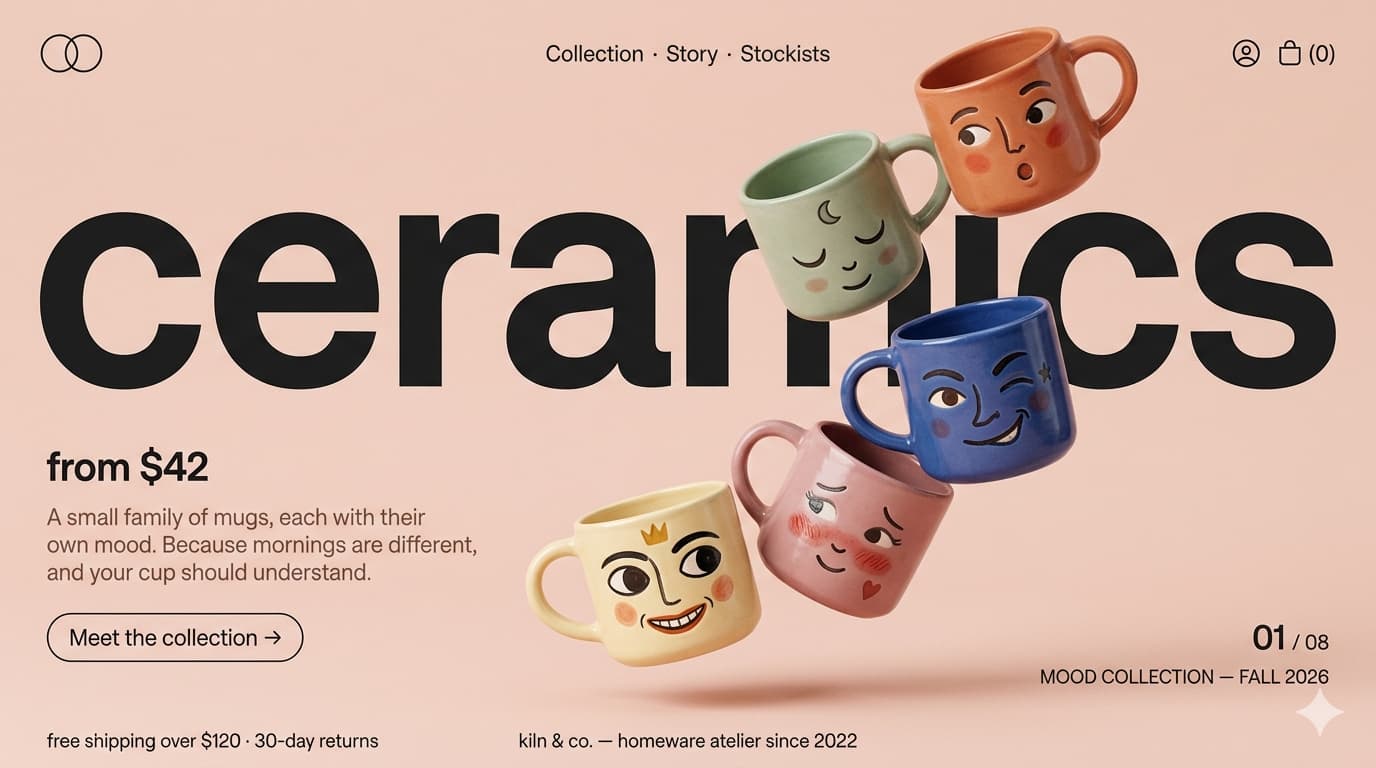
Ecommerce
Weak
Mugs
Better
Five colorful ceramic mugs with painted faces floating beside a ceramics collection headline.

Travel blog
Weak
People at station
Better
Two travelers with luggage, passports and corgis standing in a sunlit train station.
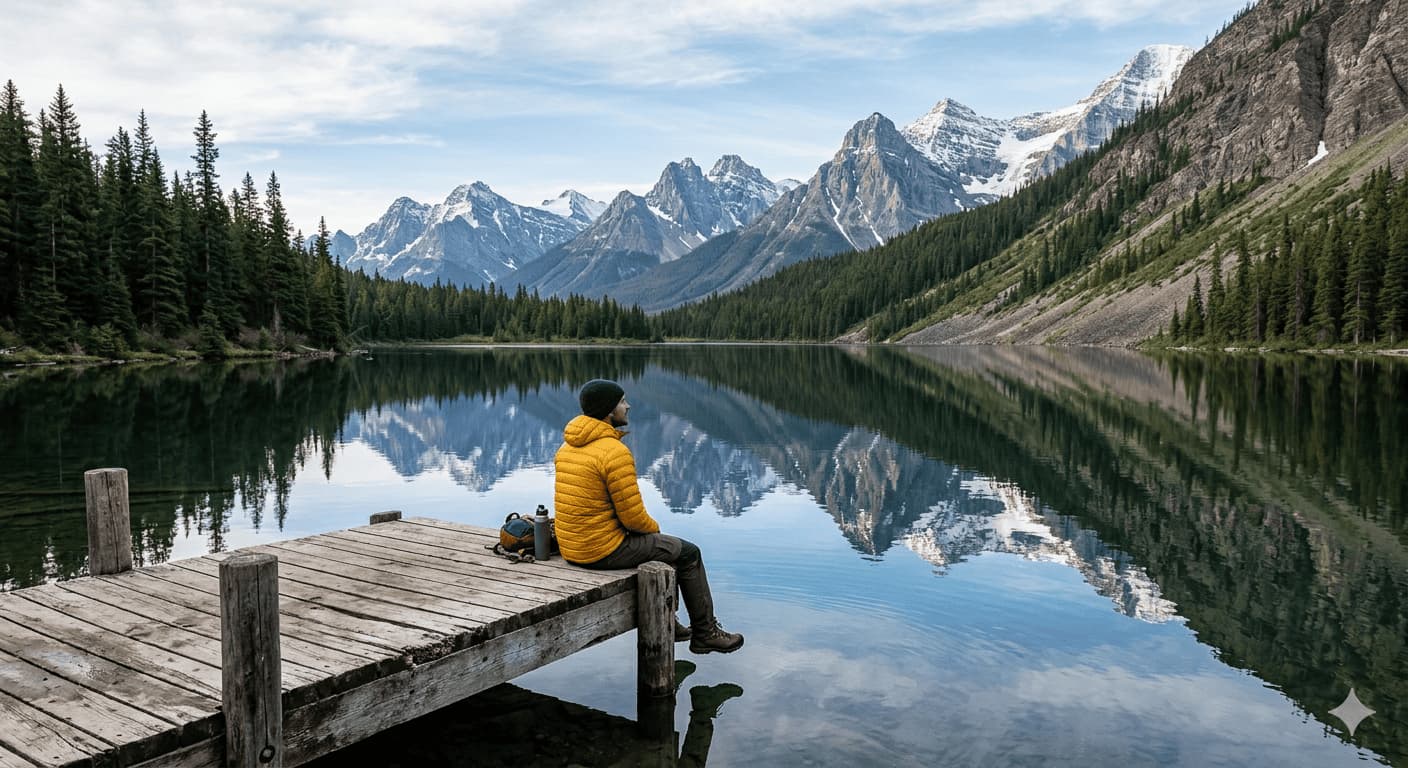
Outdoor article
Weak
Mountain lake
Better
Person in a yellow jacket sitting on a wooden dock beside a calm mountain lake.
Make image accessibility part of your content workflow instead of a last-minute SEO chore.
Alt text, or alternative text, is a short text alternative for an image. It helps screen readers communicate meaningful images to users who cannot see them and gives search engines additional context about visual content.
An image alt text generator is an AI tool that analyzes an uploaded image and drafts alternative text automatically. The result can be used in HTML, Markdown, CMS platforms, ecommerce stores, blogs, and image libraries after review.
Upload an image, select the image purpose, and generate alt text instantly. You can then copy the result into your website, CMS, product page, or Markdown document.
Yes. The tool can convert an image into descriptive alt text by analyzing visible content and adapting the result for SEO, accessibility, product images, blog content, charts, links, and decorative images.
Alt text supports accessibility by providing a text alternative for meaningful images. It can also help search engines understand image content and the surrounding page context.
Alt text can support SEO by helping search engines understand what an image shows and how it relates to the page. It is not a ranking guarantee, and it works best when it is accurate, natural, and relevant.
AI-generated alt text can be useful for SEO when it accurately describes the image and matches the page context. Effective alt text should be natural, descriptive, and helpful rather than stuffed with keywords.
Most alt text should be concise and focused on the image's main meaning. In many cases, around 80 to 125 characters works well, although some images may require shorter or longer descriptions.
Good alt text describes the most important visible content, stays concise and specific, matches the image purpose, avoids unnecessary details, and usually avoids phrases like image of or picture of.
Examples include: Golden retriever running across a grassy park; laptop and coffee mug on a wooden desk; bar chart showing monthly sales growth; black leather backpack on a white background. The best alt text depends on the image and its purpose.
Only include keywords when they naturally describe the image and fit the page context. Alt text should prioritize accessibility, clarity, and accuracy over keyword optimization.
Common mistakes include keyword stuffing, overly long descriptions, vague text such as image or photo, leaving meaningful images without alt text, and describing information that is not visible.
This tool helps draft useful text alternatives for images, but WCAG compliance depends on how the image is used on the page and whether the final alt text accurately represents the content or function.
Decorative images should typically use an empty alt attribute, alt="", so screen readers can skip them and focus on meaningful content.
Describe the product and its visible attributes, such as color, material, style, packaging, shape, or arrangement. Avoid adding brand, price, size, or product claims that are not visible in the image.
Focus on the main takeaway rather than listing every data point. Summarize the trend, comparison, or insight shown in the chart, and provide a longer description near the chart when the data is complex.
Alt text is primarily used as a text alternative for accessibility and image understanding. An image title is usually metadata or a tooltip-style label. They serve different purposes and should not simply duplicate each other.
Missing alt text can make it harder for search engines and assistive technologies to understand meaningful image content. Adding accurate alt text improves accessibility and can provide useful context for image indexing.
Many accessibility laws, standards, and WCAG-based requirements expect meaningful images to have appropriate text alternatives. Requirements vary by country, industry, website type, and image purpose, so legal or compliance-sensitive sites should review the final implementation with qualified guidance.